
How to Train Staff on Clover and Valor POS Without Interrupting Business
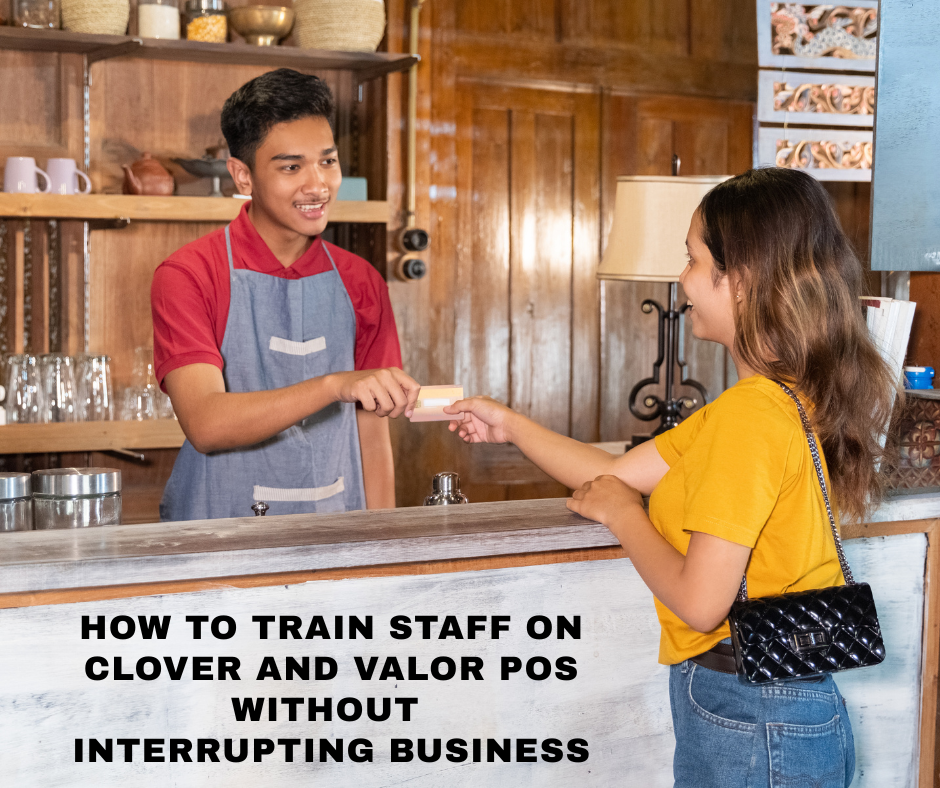
Training staff on new technology is essential, but downtime can cost money. If you’re planning to train staff on Clover and Valor POS, you might worry about disruptions in customer service. Fortunately, both systems are designed to minimize the learning curve. PaymentGenie Pro helps merchants onboard seamlessly by offering pre-configured systems and live support, making transitions easier and faster. You can also rely on our Valor POS solutions that support modern features like mobile checkout, cash discounting, and in-device training tools.
Understand Clover and Valor POS Features Before You Train
Clover and Valor are powerful, intuitive platforms, but understanding their differences can help you plan training more effectively. Clover offers sleek POS hardware, cloud access, and app integrations, which suit quick-service restaurants and retail shops. Valor POS emphasizes mobility, digital receipts, and QR code ordering. It also supports surcharge and loyalty plan programs, key to improving margins. For business owners who want to offer no-fee payment processing, both systems easily accommodate cash discount and surcharge options.
Step-by-Step POS Training Without Business Downtime
Training doesn’t have to slow down operations. A phased and peer-driven approach works best. Start with one-on-one shadow training. Assign new hires to experienced users for a few hours per shift. That way, your front-line team still delivers service while the new staff learns in real time. Break training into short modules. Focus first on must-know tasks like opening tickets, applying discounts, and processing payments. Then move to advanced functions like online billing, recurring payments, or loyalty program setups. PaymentGenie Pro offers custom POS configurations to match your business model and make onboarding easier.
Use In-Terminal Training Features
Both Clover and Valor POS offer demo modes and walkthrough tutorials. These allow employees to explore the system without recording real transactions. You can preload common scenarios, like tips, refunds, or QR code ordering, so staff can practice with confidence. According to G2 POS Software Reviews, businesses that utilize built-in tutorials experience 30% faster staff readiness. Instead of pulling staff from the floor, take advantage of after-hours or pre-shift slots for quick tutorials.
Assign POS Champions and Use Analytics
To reinforce training, assign a POS lead on each shift. This person can answer quick questions and reduce errors. Monitor staff performance using in-system analytics. Clover lets you track sales per employee, while Valor logs actions like tip edits or refunds. This data shows who’s excelling and who needs extra help. You can also simplify your loyalty plan onboarding with tools that allow customer enrollment at checkout, improving customer retention and employee engagement.
Avoid Overcomplicating the Process
Stick to the core features first. Trying to train on too many integrations at once will confuse your staff. Start with the basics like inventory lookup, tipping, and receipt printing. Once those are mastered, introduce features like recurring payments or text/email receipts. This keeps training digestible and productive. Valor’s sleek interface combined with Clover’s drag-and-drop layout means staff don’t need IT experience to navigate them.
Update and Refresh Training Regularly
POS systems get regular updates. Make sure your staff stays up to speed. Set monthly refreshers using cheat sheets or short videos. Review common errors from analytics reports and build mini-training around them. Use tools like Merchant Maverick’s Clover POS review to stay updated on best practices and upcoming changes in POS capabilities. At PaymentGenie Pro, we can help you implement a fully integrated solution that minimizes tech friction and supports long-term growth.
The Value of Smooth POS Onboarding
When you train staff on Clover and Valor POS the right way, you create a smoother customer experience and a more confident team. With no need for off-site training or extended downtime, businesses can maintain normal operations while preparing for long-term success. If you’re ready to improve your POS systems without the headache, talk to PaymentGenie Pro today and see how we help businesses grow through seamless, smart solutions.
Search
Recent Post
-
Lower Credit Card Rates: The Power of an Agnostic Payment Gateway
-
Beat Rate Creep: Protect Your Margins with the Payment Genie Pro Rate Tracker
-
Exposing Hidden Fees: The Power of a Free Merchant Statement Review
-
Zero Pay Processing: How to Eliminate Credit Card Merchant Fees Entirely
-
Supercharge Your Business: The FluidPay Payment Gateway with Payment Genie Pro
